Thursday, May 22, 2014

Students become teachers using a Retell

As educators we are constantly seeking ways to spruce up the curriculum and make learning more relevant and engaging. I have attempted to use many apps this year to do just that. When it comes to implementing new techniques I must admit that I am a risk taker. Thankfully I have a class this year that are willing to jump on board with any idea I may come up with, regardless of how crazy it sounds. Once I initially demo a new activity, I then give my students time to play around and use their creativity to see if we can adapt the apps, activities etc. into other areas of our curriculum. 

This week, my students have taken on the challenge of becoming teachers and assistants but more importantly collaborative partners with a grade 1 class in our school. Anytime we complete a read aloud or independent reading I expect my students to go through the retell process. We have practiced using comic strips, written responses, concept maps, and my favorite - popplet app on an ipad. 

The grade 1 teacher and I, partnered our students where they then had an opportunity to choose a Robert Munsch book. Sitting "Elbow to Elbow, Knee to Knee", our students read through the stories together. We both have a wide range of ability levels in our classrooms. It was fascinating to see those struggling or reluctant readers dive into the reading process. The next step was forming a popplet which detailed the main ideas of the story (Characters, setting, problem/solution, a brief retell of the beginning, middle and end). My grade two students rose to occasion and became amazing little teachers. I couldn't resist smiling while hearing how some were explaining how to use the app. 

We are now moving into drawing and retelling the story in the form of a comic strip. From here our students will use the ipads to take pictures of their art work to use as the background for their concluding project. The concluding project consists of a green screen video where the partners (a grade 1 and grade 2 student) will discuss the main ideas of the story in a 6 sequence retell. 

Just another way to incorporate technology, collaboration and the curriculum! 


Tuesday, May 20, 2014

World Connections - Digital Literacies

Throughout the course of the year, we've pegged communities we had an opportunity to connect with.

What an exciting year for our grade two students. Our connections were either in the form of mystery skype/hangout, blog e-pals, virtual field trips, being a virtual audience for readers theatre, Art Exchange project,  and  our Math Collaboration projects.

I had the absolute pleasure to watch my students delve into the use of technology and master apps such as google earth, kidblog, google docs/forms and many more. It was great to see this development and growth, but more importantly my students grew into great digital citizens who learned how to use technology to better themselves and their learning. I thoroughly enjoyed hearing comments from my students comparing themselves to others we were connecting with. The common theme was always how similar we all are regardless of where we are from or our backgrounds. I am so proud of my students, they truly embody the idea of being an Ethical Citizen.

Virtual Field Trips - Connected Classrooms


Connected Classrooms on Google+ is an extremely useful community. Google for Education has made it possible for students to travel to far away places for Virtual Field Trips. 


Last week my students had the opportunity to travel to Hawaii all while seated at their desks. We watched in real time as an elementary class travelled to an active volcano site. The field trip was even more unique as this particular class was attempting to use Google Glass. My students were able to see a volcano from an expert, teacher and students perspective as all three were wearing Google Glass. We also had an opportunity to learn a traditional song and hear about the spiritual and cultural reference to volcanoes in Hawaii. 

Other virtual field trips we've viewed this year: 

  • Minnesota Zoo - Farm Babies (students had the opportunity to meet spring farm babies which tied nicely into our theme at the moment. Animals we viewed: duck and chick that were born just a few short hours prior to the field trip, sheep and calf). 
  • Snake Adaptations - Students viewed a python as it ate a rat. The rat was not alive therefore it did not scare the kids. Cameron Young delivered a fascinating presentation where he explained the adaptations of snakes and how it is possible for a snake to eat prey that is significantly larger than itself. Cameron lives in Colorado and constantly posts pictures and videos of snake hunts. He has a passion for caring and protecting snakes and explains the information in a unique manner. 
  • Polar Bear & Google Map Expedition - we travelled through the Tundra of Churchill, Manitoba as members of google recorded Polar Bears in their natural habitat. The most unique aspect of this field trip was watching how google create their virtual maps as well as viewing the Tundra Buggy. 


I have also used Connected Education for personal virtual field trips. I thoroughly enjoy learning about history of the world, specifically Word War I and II and the Holocaust. A few weeks ago I had an opportunity to view two virtual field trips provided by the Holocaust Museum in Washington D.C. During the field trips, high school, college and university students, as well as adults like myself had the pleasure of listening to two Holocaust survivors talk about their experiences. 

Monday, May 19, 2014

Innovation Day


Last year I was introduced to the idea of an Innovation Day/Week (or as it was explained a Fed-Ex day). A few colleagues of mine attended a session at the Science School in Calgary where other schools mentioned this project. The idea is giving students 100% control of their own learning for a day. June is such a busy month with sports days, field trips etc which left me thinking about completing an Innovation Day somewhere within the craziness. After completing one last year, I'm left now in the reflecting process and attempting to refine the project to make it as successful and engaging as possible.

Basically what Innovation Day is: a week before I will bring up the idea and send a planning sheet home with my students. They will need to think and discuss with their parents the idea "If I wanted to learn about ANYTHING, what would it be?" On their form they will fill out their topic, and why they choose that particular idea/project. Students will also have to fill in materials they will be bringing from home, as well as what materials they need that I can provide at school. Materials from school would involve things such as an ipad/computer, space, construction paper etc. Finally students need to think about how they can "show" what they learned. Whether that it in the form of a poster, a video, a demonstration etc.

I love the fact of giving students ownership and independence. It is amazing to see the results and engagement when students take learning into their own hands. Instead of the traditional teacher dictates what they learn and how they go about doing it.

This project fully embodies the new Alberta Framework of creating Engaged Thinkers and Ethical Citizens with an Entrepreneurial Spirit.


Saturday, May 17, 2014

Caine's Arcade

Back in January, my class participated in Caine's Cardboard box arcade Challenge. The purpose of this activity was to encourage creativity, innovation and enhance the entrepreneurial spirit. 

We spent some time watching the video below, then discussed activities and ideas. After brainstorming, it was now left in my students hands. I provided duct tape and a few other simple items, but the design and ideas were completely directed and created by my students.


My students were given 2 weeks to complete the projects. This meant being extremely flexible in my schedule allowing a half an hour here and there but I am so glad that I made time for this amazing project. 

Once we were complete, my students invited the other Grade 2 class, the Grade 1's and 3's as well as our principal to come in and play their games. My classroom was beyond loud, but I had to see past that as every student, and adult in the classroom was fully engaged in the activity at hand. 

My students took it upon themselves to decorate our classroom door and surrounding area to ensure other students knew what was happening in 2F. They took left over scraps of cardboard and wrote words that represented this project. Examples of what was written: Creative, exciting, unique, One-of-a-kind, fun, challenging and my favorite - Imagination! My students turned a simple piece of cardboard into something amazing. 

Some of our projects included: 
- Whack-a-mole
- Target's
- Minecraft bow and arrow 
- Talking Robot 
- Maze 
- Soccer Game
- Skee Ball 
- Jungle challenge

Hopefully next year I will be able to complete this project with my students on Global Day of Play!


Thursday, May 15, 2014

Science Fun!

Part of the grade 2 science curriculum is a unit entitled Buoyancy and Boats. Today students had to take an object that floats and turn it into a sinking object.

Our final project! Students had an opportunity to use whatever supplies they could find around the classroom in order to turn either a cork, a piece of Styrofoam or a Popsicle stick into a sinking object. 

Just another fun day in Grade 2!  

Math Collaboration Project

I am super excited for our combined math collaboration hangout this week. This project has definitely put me outside my comfort zone, but by doing so I gained so much experience and knowledge of google's capabilities. 
After finding 8 teachers who were willing to collaborate I had to decide on how I could compile all of our students wonderful questions. This gave me an opportunity to use Google Sites. It shocked me how easy and fun it is to create a google site! This week we all put our students in groups where they created their very own questions for other students to solve. Keeping with my belief in education, my students choose the strand that they felt the most comfortable with to create a question. I want this experience to be unique, authentic and 100% student-driven/centered. Once all the questions were complied, I had to figure out a way to have a "hard copy" for my students to work on. Therefore I turned to google once again and used a google form. 
I thoroughly enjoy how this project is turning into something great for both my students and I. 

Link: https://sites.google.com/a/horizon.ab.ca/math-group-project/ 


~*~*~*~*~*~*~*~*~*~*~*~*~*~*~*~*~*~*~*~*~*~*~*~*~*~*~*~*~*~*~*~*~*~*~*~*~*~*

FOLLOW UP:

Today we completed a combined Google Hangout with two other classes in the USA. This week my class spent a few days solving the questions created by other grade two students. They had an opportunity to work independently, with partner or even a group to complete the project. As well there were many manipulatives such as hundreds charts, base ten blocks, pattern blocks, cubes etc available for students to work with. I was absolutely amazed to see the engagement in this activity. I must admit, problem solving and math in general is not exactly a favorite activity for my students, but the fact that these questions were created by other grade two students really upped the interest and engagement level. The students had both a hard copy of the questions, as well as an iPad with the questions in a google form to work through. 

During our hangout today, my students had an opportunity to talk and discuss with two other classes in the United States. There were a few questions that we skipped as it did not correlate with our curriculum, but still the project was a tremendous success. 

Before the hangout, we spent some time as a class reflecting on the process. 


I love the question: Why would your recommend this activity to someone at another school? 
My students responded with the idea of students becoming teachers and being responsible for their own learning. That in itself made this activity a success in my mind! 

Saturday, May 10, 2014

Favorite Apps

News-O-Matic - Every Thursday I spend a half an hour doing "Newsday Thursday". We look through papers, complete math, word work, writing and reading activities. This App is extremely student friendly with current events of things happening around our world. It has many wonderful features such as maps to show where the story is taking place, along with a "read me" for those who may struggle with some of the wording. 

 https://itunes.apple.com/ca/app/news-o-matic-daily-reading/id578023255?mt=8

Skitch: This app allows students to either take a picture, or choose a picture from the web or photo album and create labels. It is great for science ie. if you are studying plants, students can take a picture of a plant then label the parts. It also works like an interactive white board so students can highlight or circle important parts/ideas. To build vocabulary, I tend to start new topics with a picture and students will complete PWIM (picture word induction model). This is a perfect app to complete such an activity. 


 https://itunes.apple.com/ca/app/skitch-snap.-mark-up.-send./id490505997?mt=8

Popplet: Creating webs about various topics. This app also allows you to add pictures to the web. This year I've used it for breaking down story writing (Characters, setting, problem, solution). We've also used it to describe ourselves to send off to e-pals, as well as Social Studies when describing one of our three communities. 

https://itunes.apple.com/ca/app/popplet/id374151636?mt=8

Green Screens by Do Ink

https://itunes.apple.com/ca/app/green-screen-by-do-ink/id730091131?mt=8

Descriptive Writing

This year I've attempted something new with descriptive writing. Rather than model, share, write then move on to the next writing piece, I've decided to do the same activity three times throughout the year and compare how their writing has changed over the year. 

October: 
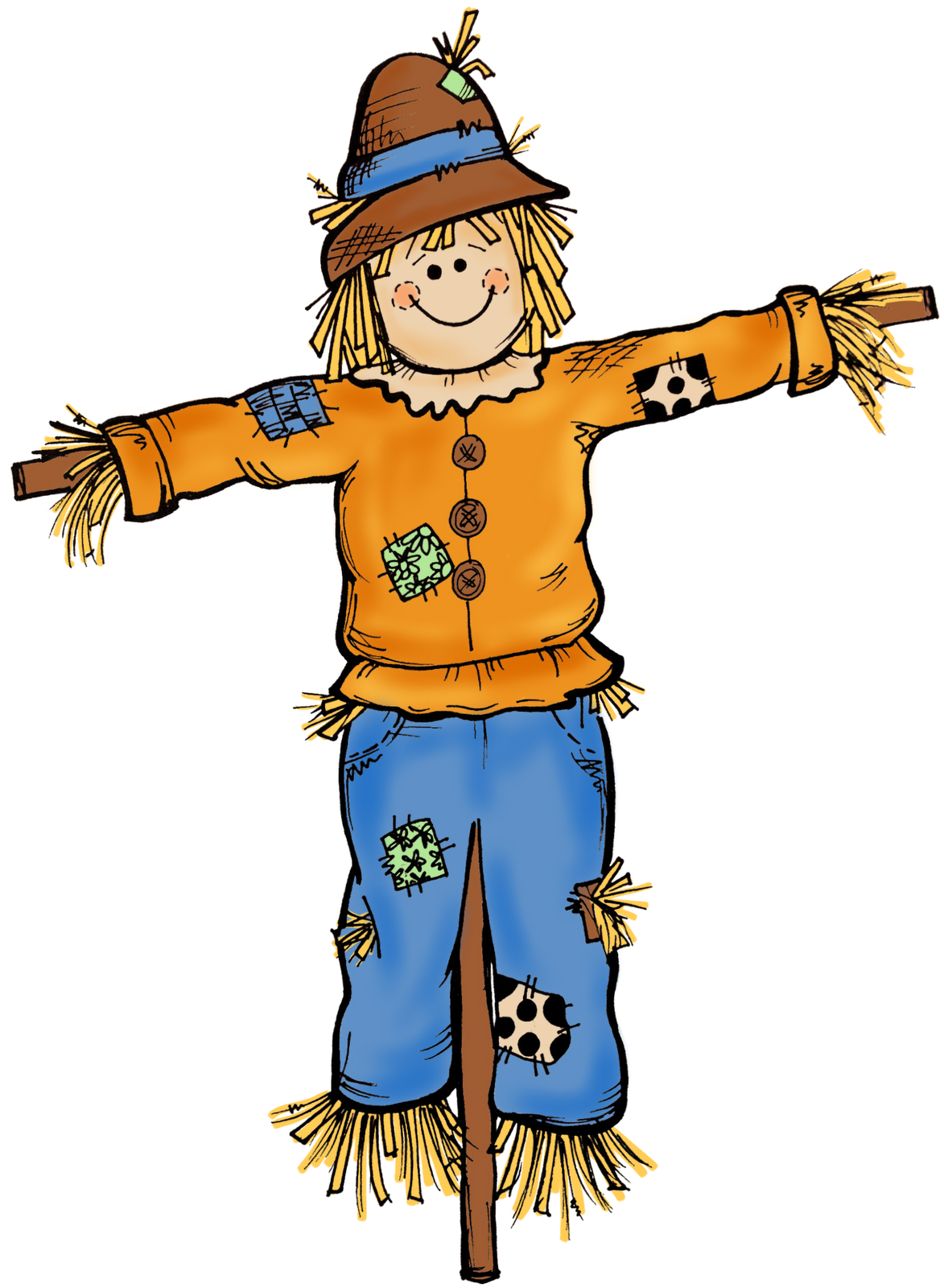
I asked my students to draw a picture of a scarecrow. I specifically said I wanted it detailed, coloured and unique. We viewed many pictures of scarecrows to get their creative thoughts flowing. 
When the drawing was completed, my students then had to write about their scarecrow. They had to describe it the best they could. Once everyone was finished I asked my students to swap books. Now another student had to re-create their scarecrow based on the descriptive writing. Afterwards they had an opportunity to see the original. The idea that another student now had to draw what someone had written about put ownership on the writer to create a detailed piece. This was their first major writing piece of the year, but I must say it exceeded my expectations.


January: 
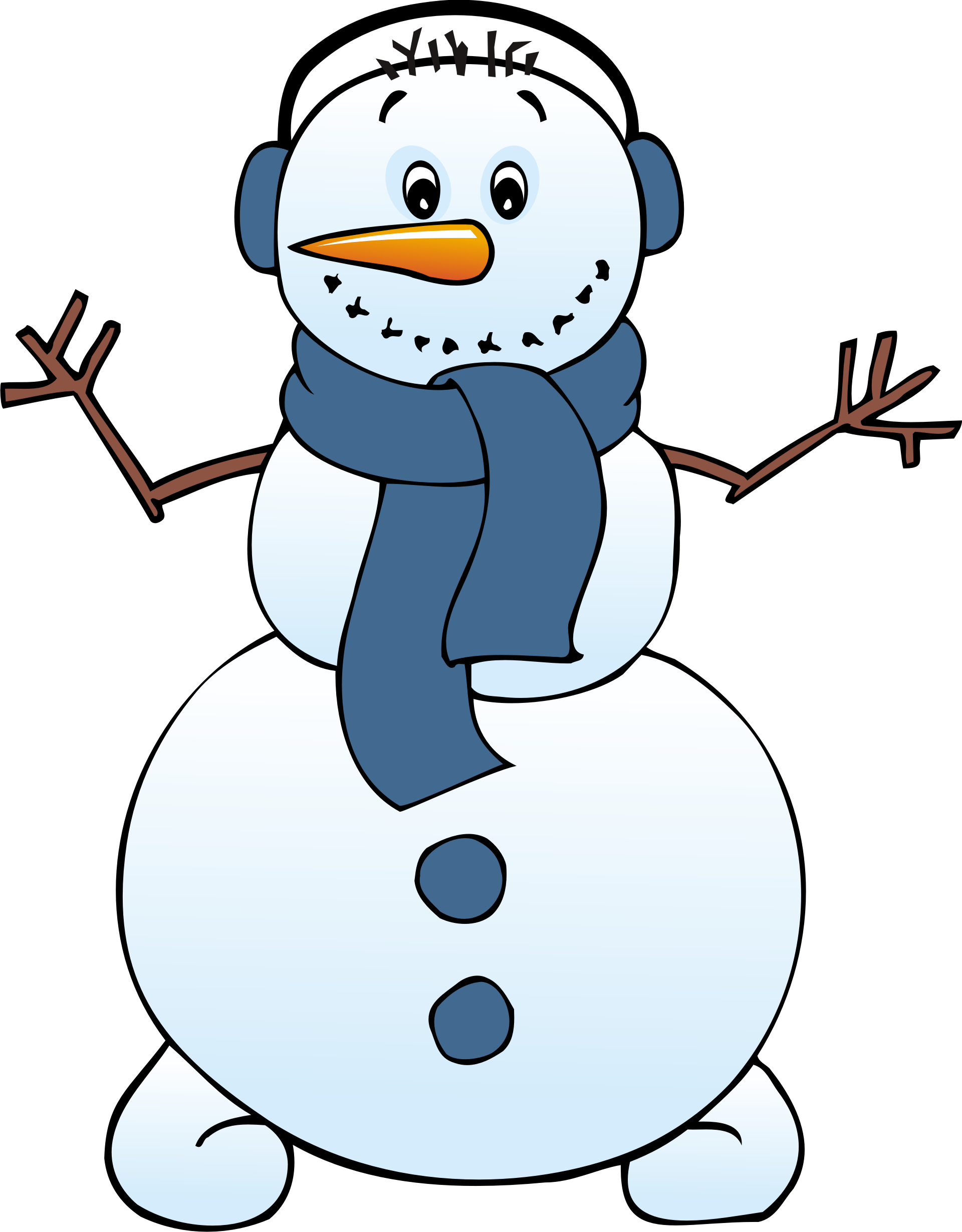
This time my students completed a drawing of a snowman. They followed the same ideas and steps as the scarecrow writing. 
This time though, students compared their writing from October to their writing now. The improvements were tremendous. The best part of this exercise was listening to my students in their Tribes talk about their own writing and the ways they improved. It was a great confidence building exercise. Of course my class, just like every other class out there has students ranging in many ability levels. This activity allowed EVERY student to see success. Students that needed a scribe or assistant work at the beginning of the year to form one sentence were now able to write 2-3 sentences independently. Those students who had exceptional writing skills now used more detailed, creative wording and even use similes throughout their writing. 


June:
Once we finish our fairy tale writing we will complete descriptive writing piece #3. This time my students will create their very own "Monsters!" Stay tuned! 


Tuesday, May 6, 2014

Mystery number / Math riddles


We are now into May. which means the end of the year is quickly approaching. Over the next few weeks I will be cluing up the majority of the curriculum, which left me thinking about fun review activities. I like to see my students engaged in the learning process in a unique and innovative manner. I also want my students to be accountable for their own learning - therefore I turned to Google+ yet again. My thought is what if my students created math questions/riddles and asked other students to find the answer and vice versa. The response I got from the google community world was overwhelming. Instantly I had 9 classes jump on board with my idea. Unfortunately finding a class in Canada has been extremely difficult, but regardless we will make it work! Using google docs, we've created a list of strands and topics that we've covered this year. Each class will create a question for a specific strand. During a combined google hangout, our classes will ask their question and then share the answers. In order to use the time in a constructive manner, we are also incorporating our class blog site. 

Follow Up:

Today we completed the first of 2 Mystery Math activities. We connected with a class that we previously completed a Mystery Hangout with. It was absolutely fantastic! The students created math questions "Which Number Am I?" During the hangout, students had an opportunity to read their clues, we also had the questions on a google doc to use as a visual. Our students used hundreds charts, base ten block app on the ipads and a partner to solve the riddles. 


Here is an example of a question we created:

My number is between 100 and 200.
It is an EVEN number.
It is more than 140.
It is less than 180.
The number in the tens place is 7.
My digits add up to 14.


An example from our pals in Alabama: 
My number is between 20 and 60.
It is an EVEN number
It is more than 25.
It is less than 35.
The number in the ones place is 4.
The digits add up to 7.


~*~*~*~*~*~*~*~*~*~*~*~*~*~*~*~*~*~*~*~*~*


Monday, May 5, 2014

Maker Space

I've been intrigued for awhile about the idea of a "Maker Space". I'm sure every educator would agree - I wish we had a larger classroom, one where there was room for storage, specific reading areas and space where students could go to demonstrate their inventive, innovative and creative qualities.

I do not have much room, but I have taken a corner of my classroom and turned it into our make-shift "maker space". In this corner we have our green screen, a green cube, legos, play-doh, building blocks and various artistic tools. Students use this area for projects, free time etc to showcase their exceptional innovative skills.


It's not much, but it works!! 

Saturday, May 3, 2014

Beyond Four Walls


My goal as an educator is to give my students the opportunity to learn and explore the world around them. Over the last few months I've really expanded my use of technology and innovation within the classroom. Completing activities such as mystery hangouts, virtual field trips, various apps such as green screens etc has dramatically increased the productivity and engagement in my classroom. This past week we were completing a mystery hangout with a class in Utah. I simply sat back at watched as my students ran the class. They each had an iPad and using google maps, google earth and an atlas map on the iPads they were able to pinpoint the particular community. The way my students formed their questions and used their skills absolutely amazed me. After our hangout, they asked for a few minutes of free time. I questioned it, as I am usually particular on allowing too much "free" time but this time I let it go. I watched as my students used google maps/earth to zoom in on the school of the students we just talked with. As I was walking around I noticed one student attempting to research the history of Utah. I had to ask why of course and was absolutely surprised by the answer. Our social studies curriculum focuses on comparing our community with three others throughout Canada. We also focus on the past of our particular community. Last week we discussed our community and how some of the first people to live in our community came from Utah. One of my students took it upon themselves to see if this information was in Utah's history. I didn't make that connection. The lesson I learned from this experience is the idea that sometimes students just need time to work through their thoughts and ideas. Its given me a new perspective to step back and let my students take ownership for their learning

Sometimes we get caught up in the curriculum and the "must do's" that we forget that sometimes children just need time to be children and explore for themselves. I've had the pleasure this year to see my grade 2 students grow and mature as a learner. I think that we need to make time in the day to give students the opportunity to research or create something of their choice. Watching my students expand their knowledge beyond our four classroom walls but more importantly willing to take the risk and step outside their comfort zones has been they greatest accomplishment I could possibly receive as a teacher. 

Check out our website: https://sites.google.com/a/horizon.ab.ca/math-group-project/home

Working with Green Screens

Working with green screens is a new adventure for me. This will be the first time I have attempted such a project. My original idea was to use the green screen app as a means of publishing student writing. Next month we will begin fractured fairy tale writing. My students are aware that a fractured fairy tale is similar to the regular fairy tale but with a twist. Therefore they will be creating a fractured fairy tale with the twist being the setting. When we finish the writing, students will retell their story using the green screen app and adjust the background to their new setting. However, before I adventure into this project I figure I should test the waters. Therefore, my students are creating simple videos about themselves, their community, province and country for our epals in Iowa. This will be our chance to mess around and have fun with the app! Be sure to check back to see our progress! 
Follow Up: 


Working with Green Screens has been incredibly fun! We spent time just having fun with the app where my students created videos about themselves and another video about Taber, Alberta or Canada. We then sent those videos off to our E-pals in Iowa and Edmonton. 


We are now working on our fairy tale writing. This past week, we've read through MANY fairy tales and fractured fairy tales. After giving my class a list of fairy tales, they chose their favourite and are now in the process of writing their very own fractured fairy tale. The one aspect that they are changing is the setting. It is so neat to watch their creativity and ideas. I am very excited to see finish products. Some students have asked if they can draw their own backgrounds rather than search the web for something. When we are complete we will be emailing the videos to their parents. 

QR codes

QR codes have become a way of life in my classroom. (The website I use to create QR codes is posted on the "More" section). I use QR codes in almost every subject area. 

LA: I use QR voice for students to check their reading. In advance I've create a code with a voice app which has a recording of the reading. After my students have read the section, they scan the code and can hear it to check their pronunciation. This is a great tool to use in a literacy center when you are completing guided reading with another group. 
I am lucky enough to be in a school where we have 25 floating iPads. We use the iPads to go on our Blog site for our daily journals. The blog site is a lengthy address, therefore I create the QR code for the students. 

Science/Social Studies: Teaching grade 2 can be tricky when completing research projects. Instead of asking students to google certain sites, I will have QR codes made up in advance for the websites, videos etc I would like them to view. It allows the projects to run more efficiently and effectively. 

Math: I use QR codes for Buddy Games and Independent Work. Students will do the workings for their particular questions, then will scan the code to check their work. I find this is a great tool to give students immediate feedback.  

Kidblog


 My students use Kidblog on a daily basis to complete their journal writing. We've also used it as a means of publishing their writing pieces. Students then have an opportunity to comment on their peers writing by giving positive feedback. Kidblog is an extremely student-friendly site. Outsiders cannot see what is posted unless they have a username and password. 
We've also used our blog this year as a means of communicating with other classes. We have compared our community with other grade 2 students in Hong Kong. As well we've linked our blog to some of the classes we've skyped with. Our students are now e-pals where they share fun events and activities happening in their classrooms. 


Art Exchange

Keeping with my idea of introducing students to technology, we are currently completing an Art Exchange project. 

My class is working with another grade 2 class in Iowa. We started the project by reading the same story: "Boy + Bot". During art class our students created their very own robot friends. Using google+ we shared photos of our robots and partnered our students. My students are currently writing narrative stories which includes their partner's robot. This upcoming week we will be skyping to share our stories. 


Finished Product: 
We have finally concluded this project and I am pleased to say it turned out better than I could have ever imagined. The students were so engaged and shared truly wonderful, creative and imaginative stories. It was such a unique experience. I will definitely have to do more projects like this in the future. 

As a side note- we are now becoming epals with our buddy class. After meeting and listening to some wonderful stories, both our students had questions about our school, community and country. This upcoming week we are completing a poplet about our community and country, and will create a video about our school to send to our new pals. In return they will be doing the same. 

Mystery Skype / Hangout

Over the last 6 weeks, I've attempted to connect my students with others in our extremely large world. This year I've introduced my students to the MetoWe movement in hopes of teaching them about global citizenship. Now its time to move into digital citizenship. Technology is our world, therefore it is my belief that we should embrace it and teach our students how to use it in a positive way. 

Using google+, I joined numerous communities such as ConnectedEducation and MysteryHangouts in an attempt to find classes that would be willing to connect with my class. The response was overwhelming. In a few short hours I had so many replies it was difficult to keep track of everyone. 

I set up a Education Skype account, asked my administrator to order a microphone and camera and went from there. 

In 6 weeks we've either completed a mystery skype or mystery hangout (which uses google+) to chat with 5 classes throughout the United States (Alabama, Washington, Illinois, Virginia and Iowa), as well as a class in Edmonton. This upcoming week we will be completing a google hangout with a class in Brazil and Argentina. 

If you haven't attempted a mystery skype or hangout I highly recommend it! The students are so engaged and what a great opportunity to meet students all over the world. The best aspect is when you hear a student say "wow we are so similar, yet so far apart". I love the idea of my students seeing both similarities and differences in one another and embracing those qualities.